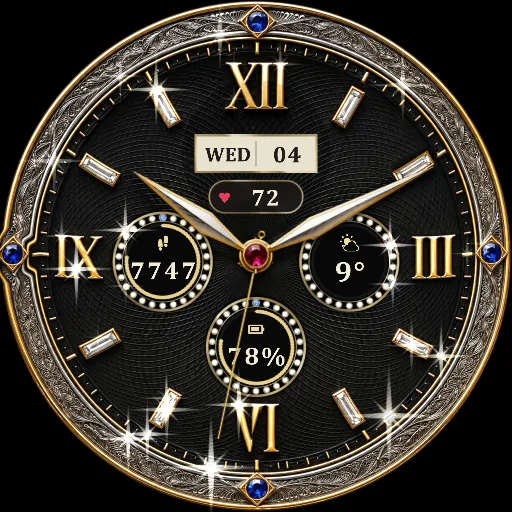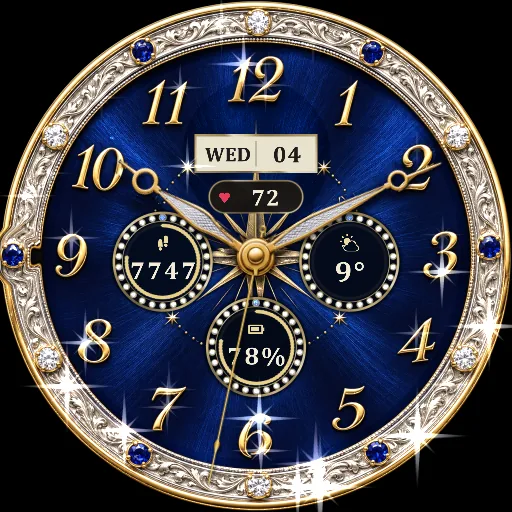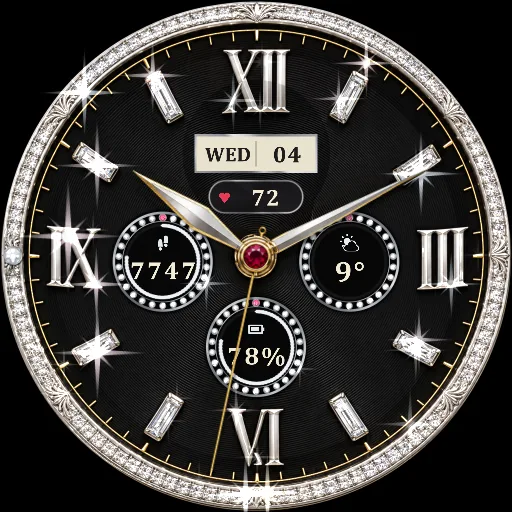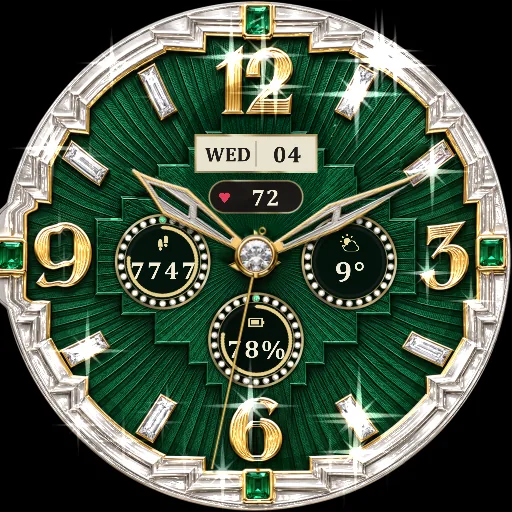
Bordeaux · ruby · engraved gold
Bordeaux Ruby
A Bordeaux-red sunburst dial set with ruby and diamond baguettes inside an ornately engraved gold bezel, with polished dauphine hands and a ruby centre.
Coming soon to Google PlayFeatures
- Light that follows your wrist. Gems and polished metal catch the light as you turn your wrist. Every stone has facets that flash at their own angles, and a soft band of light travels across the bezel.
- Twinkling stones. A few stones sparkle on their own, slowly, even when you hold still. You can switch this off in the watch face settings.
- Everything you need, in jewellery. Date, heart rate, steps with a ring that fills toward your daily goal, live weather with an icon, and battery level - each in its own gem-set dial.
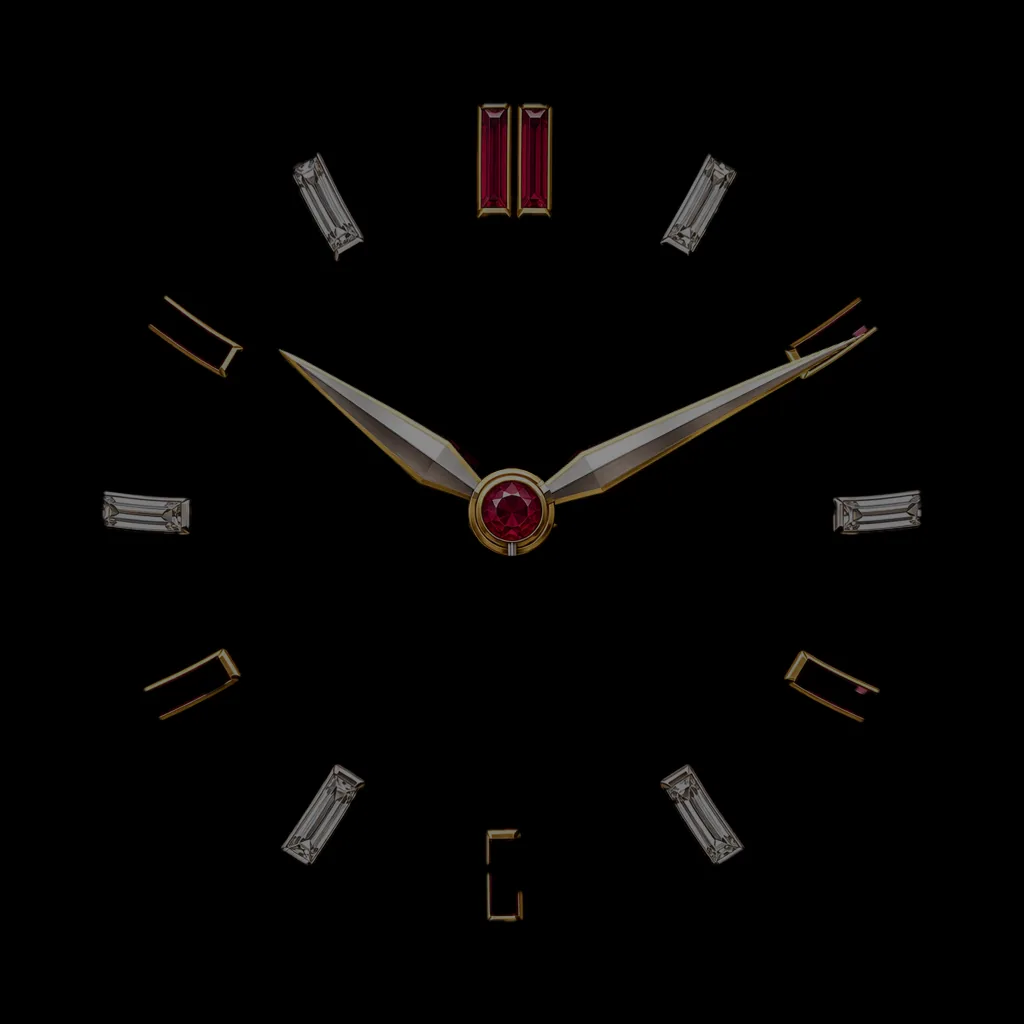
- Calm always-on display. When your wrist is down, a dim, static version shows the time using less than a tenth of the screen, to save battery.
Complications
| Shows | What you see | Tap opens |
|---|---|---|
| Date | Weekday and day of the month | Calendar |
| Heart rate | Your latest heart rate in bpm | Heart rate measurement |
| Steps | Today's steps, with a gold ring that fills toward your daily goal | Samsung Health |
| Weather | Live weather icon (day and night) and the temperature | Weather |
| Battery | Battery level with a ring that turns red at 15% | Battery settings |
Always-on display
When your wrist is down, the face switches to a calm, dim version with the hands and numerals, and no animation - easy on the battery.
Compatibility
Round Wear OS watches with Wear OS 5.1 or newer. Designed and tested on the Samsung Galaxy Watch Ultra 2. Tap shortcuts for steps and weather open Samsung Health and Samsung Weather on Galaxy watches.
How to install
- Open the watch face's page on Google Play on your phone and choose your watch as the install target.
- On the watch, touch and hold the current watch face.
- Swipe to the end and tap + Add watch face.
- Find the face under Downloaded and tap it.